
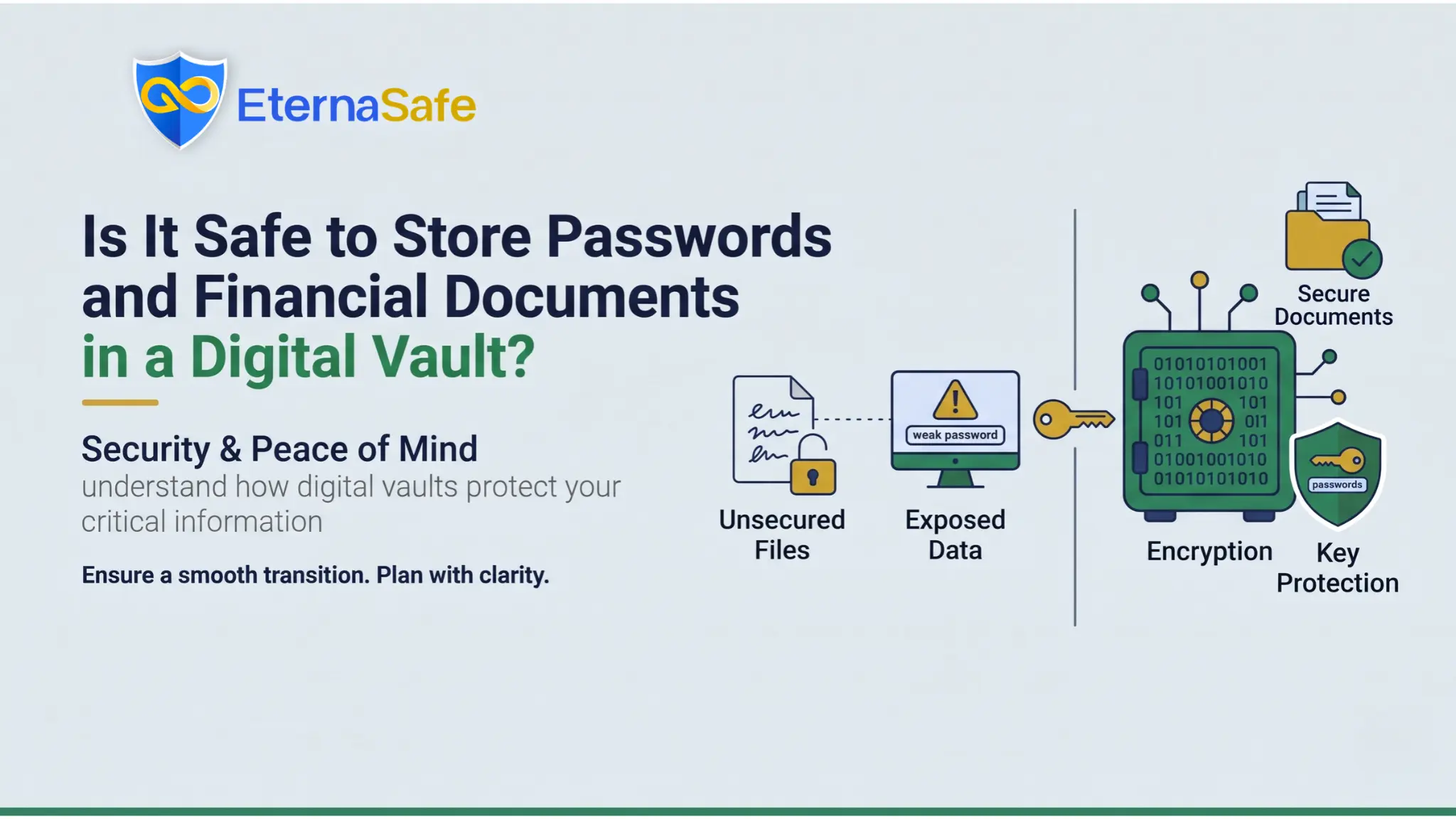
Quick Answer: Yes, a digital vault is safe for passwords and financial documents, provided it uses end-to-end encryption, zero-knowledge storage, and two-factor authentication. The risk then shifts from the provider to your own habits, so a strong master password and careful nominee access settings matter most. Compared with paper files, email attachments, or notes on a phone, a well-built digital vault is the more secure way to store what your family will eventually need.
Most Indian households today hold their financial lives across a dozen logins, several bank accounts, a few insurance policies, and a stack of papers that nobody else in the family can locate. The question of whether a digital vault is safe for passwords and financial documents comes up because people are tired of this scatter, but they are also right to worry about putting everything in one place. If the scatter itself is the immediate problem, our guide on how to organise financial documents with a system that actually works covers the sorting stage that comes before any vault.
This article explains what makes a digital vault secure, where the real risks sit, how it compares with the alternatives most people currently use, and why it has become a working part of digital estate planning for families who want their records to outlive them.
What a Digital Vault Actually Does with Your Data?
A digital vault is an encrypted online storage service built for sensitive records rather than for general files such as photos or spreadsheets. You upload scanned financial documents, type in login credentials, add policy numbers and account details, and the service locks each item before it leaves your device. The difference from a regular cloud drive is that a well-built digital vault is designed so that even the company running it cannot open your files, which is what the term zero-knowledge refers to.
The records people typically keep in a digital vault include the following items:
- Bank account details, fixed deposit receipts, and demat account information for every member of the family.
- Life and health insurance policies along with premium schedules, policy numbers, and the nominee named on each one.
- Property papers, loan agreements, and registration documents that are expensive and slow to replace if lost.
- Passwords for net banking, email, investment platforms, and government portals such as the Income Tax e-filing website.
- A copy of the will, any power of attorney, and written instructions for the person who will handle the estate.
Many people set up a vault for themselves first and then realise their parents need one more urgently, because an ageing parent’s records are usually the hardest to trace during a hospital admission. Our article on how to prepare your parents for financial emergencies walks through that conversation and the records worth gathering first.
Security Features That Make a Digital Vault Safe
Not every service that calls itself a digital vault offers the same protection, so the features below are the ones that separate a secure product from a plain file locker.
| Feature | What It Means | Why It Matters |
| End-To-End Encryption | Data is encrypted on your device before upload, usually with AES-256 | Intercepted data is unreadable without your key |
| Zero-Knowledge Architecture | The provider never holds your decryption key | A server breach still exposes nothing readable |
| Two-Factor Authentication | A second step such as an authenticator app at login | A stolen password alone cannot open the account |
| Nominee Access Rules | You decide who can see what, and when access is released | Enables digital estate planning without exposing everything now |
| Audit Logs | A record of every login, view, and download | Unusual activity can be spotted early |
| Data Residency | Where the servers physically sit | Relevant under the Digital Personal Data Protection Act, 2023 |
Encryption and Zero-Knowledge Storage
Encryption answers the safety question directly, because strong encryption means that a breach of the provider’s servers yields nothing that an attacker can read or sell. Zero-knowledge storage goes a step further by keeping your master key away from the provider entirely, so no insider, hacker, or outside demand can produce your financial documents in a readable form. The trade-off is that if you lose your master password, the provider usually cannot recover your data, which is why recovery kits and trusted contacts need to be set up on day one.
Two-Factor Authentication and Device Controls
Most account takeovers happen through reused or phished passwords rather than broken encryption, which is why two-factor authentication is not optional for a digital vault holding financial documents. Look for support for authenticator apps or hardware keys rather than SMS alone, since SIM-swap fraud has been reported in India and a one-time password sent by text can be intercepted by someone who has taken over your mobile number.
Where the Real Risks Sit?
The honest answer is that a digital vault is only as safe as its weakest link, and that link is usually a person rather than a server. The failure points that show up most often in practice are listed below:
- A master password that is short, reused from another website, or written on a note kept near the computer.
- Logging in from a shared or infected device, where a keylogger can capture credentials before encryption takes place.
- Granting nominee access too broadly, so a family member can view or download everything without any waiting period or verification.
- Choosing a provider with no clear ownership, no published security practices, and no stated policy on what happens to your data if the company closes.
- Never updating the digital vault, so the person who inherits it finds expired passwords, closed accounts, and lapsed policies.
Digital Vault vs. Traditional Ways of Storing Financial Documents
| Method | Protection Against Loss | Protection Against Theft | Family Access After Death |
| Paper Files At Home | Low, vulnerable to fire, flood, and misplacement | Low, open to anyone with physical access | Depends on whether anyone knows where to look |
| Bank Locker | High for original documents | High | Requires the bank’s claim process and supporting documents |
| Email Or Cloud Drive | Medium | Low to medium, since you do not control the encryption | Often blocked by the platform’s account policies |
| Notes App On Phone | Low | Low | Usually lost along with the device or its passcode |
| Encrypted Digital Vault | High | High when zero-knowledge storage is used | Structured nominee access set by you in advance |
Bank lockers remain the right place for original physical documents such as property deeds, but they do not hold passwords, and nominees must complete the bank’s claim process before the locker can be opened. A digital vault holds the scanned copies and the credentials, which is why most financial planners recommend using both together rather than treating them as competing options.
The claim process itself is slower than most families expect, and our explainer on what happens to bank accounts and investments after death sets out the documents each institution will ask for.
How a Digital Vault Supports Digital Estate Planning?
Digital estate planning is the practice of making sure your online accounts, passwords, and financial documents can be reached by the right people after your death or incapacity. Indian succession rules already create friction here, because a nominee generally receives assets as a trustee on behalf of the legal heirs, and a bank or fund house will still ask for account numbers, policy details, and a death certificate before releasing anything.
The accounts that cause the most trouble are often not financial at all, which is why we wrote separately about what happens to your digital life after death, from email and social media to subscriptions that keep charging a card.
A digital vault reduces that friction in several practical ways that matter to the family left behind:
- Your nominees know exactly which accounts exist, which addresses the problem of unclaimed deposits and forgotten policies that families only discover years later.
- Access can be set to release only after a verification step, so your financial documents stay private while you are alive and capable of managing them.
- The will and the digital vault inventory can reference each other, which gives your executor a clear starting point instead of a search through cupboards and drawers.
Setting one up as part of digital estate planning follows a predictable sequence of steps:
- Choose a provider that publishes its encryption standard and confirms zero-knowledge storage in writing rather than in marketing language.
- Create a long master password, enable an authenticator app, and store the recovery kit somewhere physically secure such as a locker.
- Upload financial documents in categories, with each entry tagged by institution, account type, and the nominee named on it.
- Add passwords for banking, email, and investment platforms, and update each entry whenever you change the password on the original site.
- Set nominee access rules, and tell at least one trusted person that the digital vault exists and how it will be released.
- Review the contents every six months, and immediately after opening a new account, taking a loan, or buying a policy.
For a wider view of how these steps fit alongside wills, nominations, and the handover of online accounts, our guide to digital legacy planning in India covers the full picture rather than the vault alone.
Getting Started with EternaSafe
EternaSafe was built for exactly this situation, with encrypted storage for passwords and financial documents, nominee access rules that you control, and a layout designed around the records an Indian family actually needs after a death.
The app is available for iOS and Android, so you can photograph a policy document or add a password the moment you receive it instead of leaving it for a weekend that never comes. Download EternaSafe, set up your vault in a single sitting, and add your nominees before you close the app for the first time.
Final Thoughts
A digital vault is safe for passwords and financial documents when the provider uses end-to-end encryption with zero-knowledge storage, and when you protect the master password and switch on two-factor authentication. The alternatives most families rely on today are less secure and far harder for nominees to work with, which is the part that gets overlooked until a death or medical emergency forces the issue.
Treat the digital vault as a living part of your digital estate planning rather than a one-time upload, keep it current, and make sure someone you trust knows how to reach it when the time comes.
FAQs
Is a digital vault safer than a bank locker for financial documents?
- A bank locker protects original papers better, while a digital vault protects scanned copies and passwords and gives nominees faster access.
Can the digital vault company read my passwords?
- Not if the service uses zero-knowledge encryption, because only your master password can decrypt the stored data on your own device.
What happens to my digital vault if I die?
- The nominees or executors you designated receive access according to the release rules you set while configuring the account.
Is storing financial documents in a digital vault legal in India?
- Yes, keeping your own records in an encrypted digital vault is legal, and providers handling Indian users’ data fall under the Digital Personal Data Protection Act, 2023.
What if I forget my digital vault master password?
- Most zero-knowledge providers cannot reset it, so you must rely on the recovery kit or trusted contact you set up when opening the account.
Does a digital vault replace a will in digital estate planning?
- No, a will remains the legal document for succession, while a digital vault helps the executor locate assets and financial documents quickly.