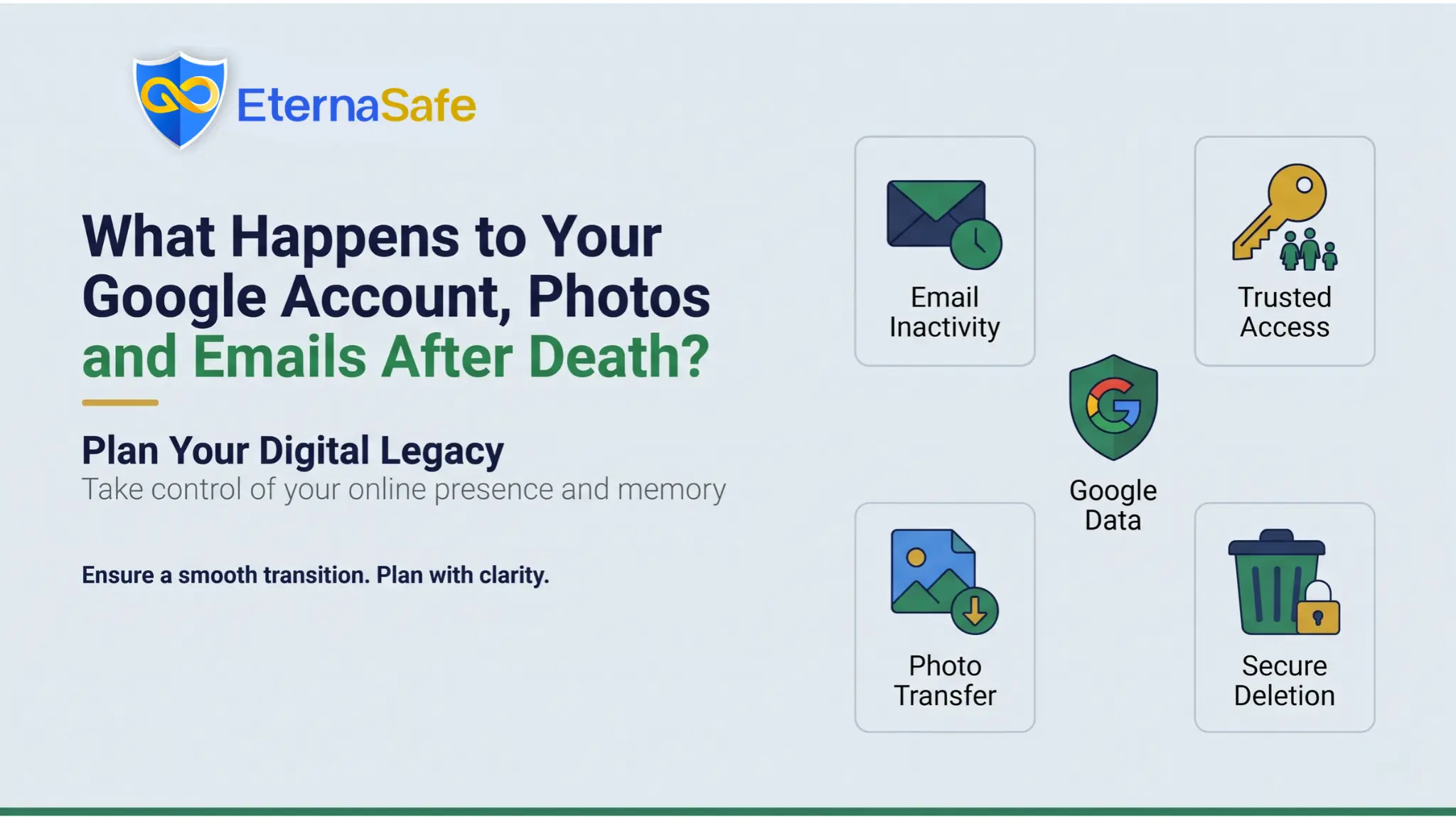
Quick Answer: When you die, your Google account stays locked unless you set up Inactive Account Manager while alive, which lets Google share chosen data with up to ten trusted contacts after a period of inactivity. Without it, your family must submit a request with a death certificate and identity proof, and Google decides case by case whether to close the account or release any content. Passwords are never shared, and accounts unused for two years may be deleted along with every photo and email inside them.
For most people in India, a Google account is the single point of entry to their adult life, because it holds the email where bank alerts arrive, the photos of every family event since the first smartphone, and the Drive folder where insurance policies and tax returns ended up. Families rarely think about what happens to this account after death until they are standing in front of a locked phone, trying to find a policy number that is sitting in an inbox nobody can open.
This article explains how Google treats a deceased person’s account, what the Inactive Account Manager tool actually does, what your family can request without it, and where this fits inside digital legacy planning for an Indian household. The wider problem of online accounts after death is covered in our guide to what happens to your digital life after death, and this piece goes deeper on the Google account specifically.
How Google Treats a Deceased Person’s Google Account?
Google’s position is that a Google account belongs to the individual who created it, and that position does not change when the person dies. Nobody inherits the login, Google will not reset the password for a relative, and the company does not treat a nominee named in a will as having automatic rights over the account.
What Google offers instead is a request process for immediate family members or legal representatives, which can lead to the account being closed and, in some cases, to selected content being released after a review.
The review is not fast, and Google does not promise any particular outcome, which is why the company itself recommends that users plan ahead with Inactive Account Manager rather than leaving the decision to a support process. Families who have been through it report that the hardest part is not the paperwork but the uncertainty about whether anything will be returned at all.
Inactive Account Manager Explained
Inactive Account Manager is a free setting inside every personal Google account that tells Google what to do if you stop using the account for a period you choose.
The waiting period can be set to three, six, twelve, or eighteen months, and Google counts activity across its services, such as signing in, reading Gmail, or using Google Photos on your phone. Before the period ends, Google sends warning messages to the phone number and recovery email on file so that an account is not treated as inactive by mistake.
Once the period passes without any activity, the instructions you set in Inactive Account Manager take effect in the following order:
| Step | What Google Does | What You Control |
| Notification | Emails up to ten trusted contacts with a message you wrote in advance | Who is contacted and what the message says |
| Data Sharing | Gives each trusted contact a link to download the services you selected | Which services each person receives, such as Gmail, Photos, or Drive |
| Auto-Reply | Sets an automatic response on Gmail if you chose one | The wording of the reply and whether it is sent to everyone or only contacts |
| Deletion | Deletes the entire Google account after a further three months, if enabled | Whether deletion happens at all |
The download link sent to a trusted contact is valid for three months, so the family must act within that window or the data may be lost. Trusted contacts receive the data through a Takeout-style export rather than through access to the live account, which means they cannot log in as you or send email from your address.
Setting Up Inactive Account Manager Correctly
The setting takes about ten minutes, but a few choices make the difference between a useful handover and a confusing one for the person who receives it:
- Choose a waiting period that matches your usage, because a frequent user can safely pick three months while someone who rarely signs in should pick longer.
- Name at least two trusted contacts in case one of them has changed their email address or cannot be reached.
- Share Google Photos and Drive with family members, and consider sharing Gmail only with the person who will handle your financial affairs.
- Write the personal message in plain terms, stating where your will is kept and who the executor is.
- Decide carefully about automatic deletion, since a deleted Google account cannot be recovered by anyone, including Google.
What Your Family Can Request Without Inactive Account Manager?
If no plan was set up, a family member or legal representative can submit a request to Google regarding a deceased user’s account. Google asks for the deceased person’s name and email address, the applicant’s identity proof, the death certificate, and, where content is requested, further documents that may include a court order depending on the country. The process works in stages, and the table below sets out what each stage typically involves for a family in India:
| Request Type | Documents Usually Required | Likely Outcome |
| Close The Account | Death certificate, applicant ID, proof of relationship | Account closed after Google verifies the documents |
| Obtain Data From The Account | The above, plus a second-stage request with translated documents if needed | Reviewed case by case, with no guarantee that content is released |
| Obtain Funds From The Account | The above, plus evidence of the applicant’s legal right to the funds | Relevant only where a Google balance or Play credit exists |
Google states that it will not provide passwords or other login details under any circumstances, so the live Gmail inbox is never handed over.
Families who need a specific document, such as an insurance policy sent as an attachment, often find it faster to request a duplicate from the insurer than to wait for Google. Our explainer on bank accounts and investments after death shows how the claim process works at the institution end, which is usually where the recovered email would have been used anyway.
The Two-Year Inactivity Deletion Rule
Since late 2023, Google’s policy has been that a personal Google account not used for two years may be deleted, along with its Gmail, Photos, Drive, and Calendar content. The policy targets accounts that were never set up with Inactive Account Manager and have simply gone quiet, which describes most accounts belonging to people who have died.
Google sends several warnings to the account and its recovery address before deletion, but those warnings go to an inbox nobody is reading and a recovery phone that may already have been disconnected.
The practical consequence for a grieving family is a deadline they often do not know about, because photos that could still have been retrieved in year one may be gone by the time anyone thinks to ask. Accounts holding an active Google One or YouTube subscription are treated differently, and the subscription itself keeps charging the linked card until someone cancels it.
Why This Belongs Inside Digital Legacy Planning?
Digital legacy planning is the process of deciding, while you are alive, who gets access to your online accounts, in what form, and with what instructions. A Google account sits at the centre of that plan because it is usually the recovery address for every other login, from net banking to the Income Tax portal, and losing it can lock the family out of accounts that have nothing to do with Google.
Inactive Account Manager solves only the Google part of the problem, and it releases data rather than access, so your executor still cannot reset the password on a bank portal that sends its one-time code to your Gmail. A complete approach to digital legacy planning therefore keeps three things together:
- The Inactive Account Manager setting, so Google releases your Photos, Drive, and Gmail export to the right people on its own timeline.
- A written inventory of every account that uses your Google address for recovery, so the family knows which logins depend on it.
- The current passwords and recovery codes stored in an encrypted digital vault with nominee access rules, so access does not depend on Google’s review.
Parents are the group most likely to have a single Google account holding years of records with no plan attached to it, and our guide on how to prepare your parents for financial emergencies covers the conversation that gets that plan started.
Once the records are located, our system for how to organise financial documents explains how to sort them before they go into a vault. For the full framework covering wills, nominations, and online accounts together, see our guide to digital legacy planning in India.
Getting Started with EternaSafe
EternaSafe is built to hold the layer that Google cannot, which is the current password, the two-factor backup codes, and a written note for your nominee explaining what the Google account contains and which other logins depend on it.
The app is available for iOS and Android, so you can add your Google credentials and the instructions for your family in a single sitting, then update them whenever you change a password. Download EternaSafe, set your nominees, and pair it with Inactive Account Manager so that both the data and the access are covered.
Final Thoughts
A Google account does not die with its owner, but it does not pass to the family either, and the gap between those two facts is where photos, emails, and financial records get lost. Inactive Account Manager is the one tool that puts the decision in your hands, and it takes less time to set up than most people spend choosing a phone case.
Pair it with a written inventory and an encrypted vault for the credentials, and your family will receive both the memories and the means to settle your affairs, rather than a locked screen and a support form.
FAQs
Can my family access my Google account after I die?
- Not directly, because Google never shares passwords, but trusted contacts can receive data through Inactive Account Manager or a formal request.
What is Google Inactive Account Manager?
- It is a free setting that tells Google to notify chosen people and share selected data after your account has been inactive for a set period.
How long before Google deletes an inactive account?
- Google may delete a personal account that has not been used for two years, after sending warnings to the recovery contacts on file.
Can my family get my Google Photos after death?
- Yes, if you shared Photos with a trusted contact in Inactive Account Manager, or if Google approves a content request from a legal representative.
Does Google release emails from a deceased person’s Gmail?
- Only through Inactive Account Manager or a case-by-case review of a family request, and never as live access to the inbox.
Should I store my Google password in a digital vault?
- Yes, because Inactive Account Manager releases data rather than access, and a vault lets your nominee recover accounts that depend on your Gmail.